 Swap-AI
Improve your photo quality

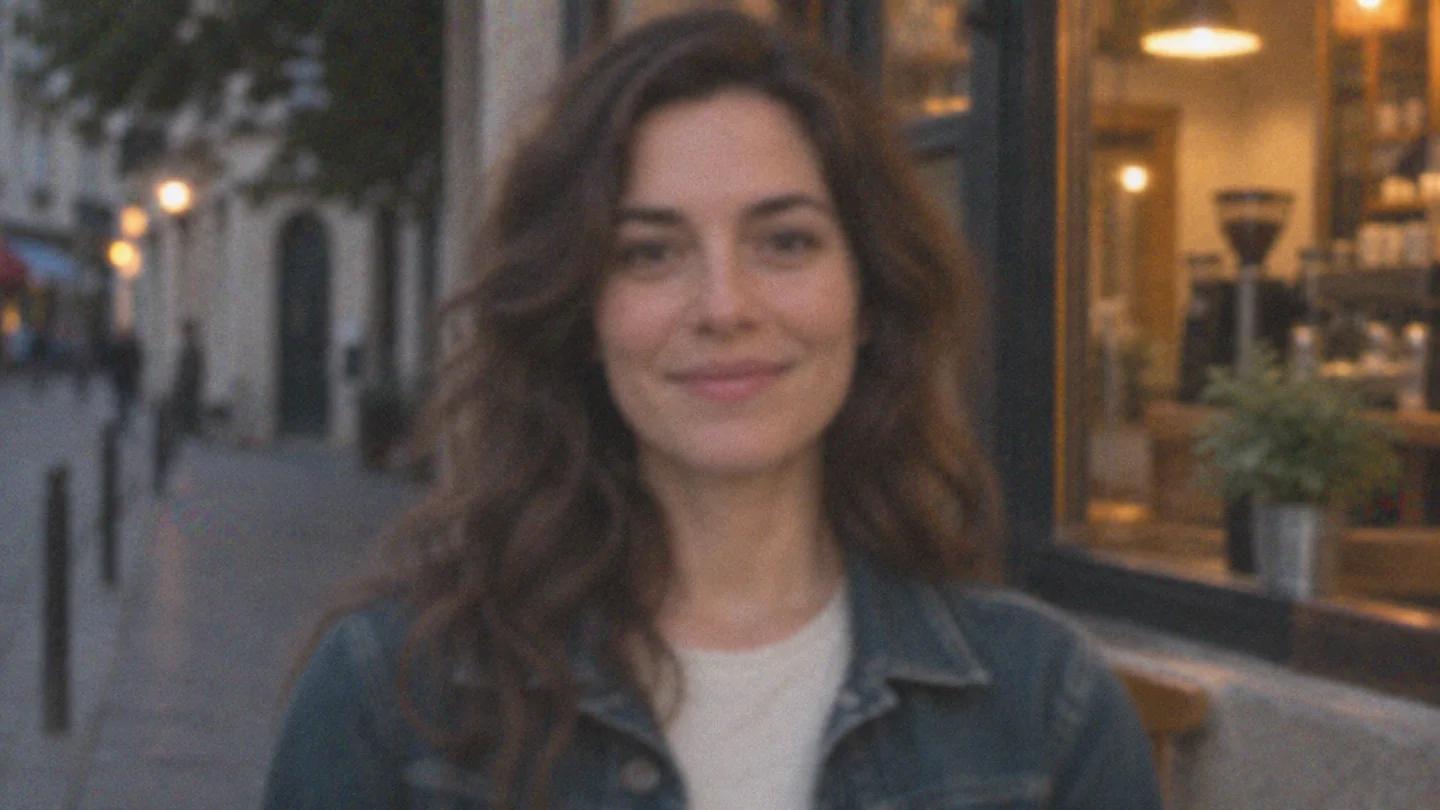
How to enhance a photo
Make your photos sharper with AI. Use the example to compare sharpness and detail.
Upload a photo
To preserve facial features, choose a close-up where the face is clearly visible.
Enhance the photo
Swap-AI processes your photo and shows you the result.
Compare the results
Compare the details with the original and download the enhanced photo.